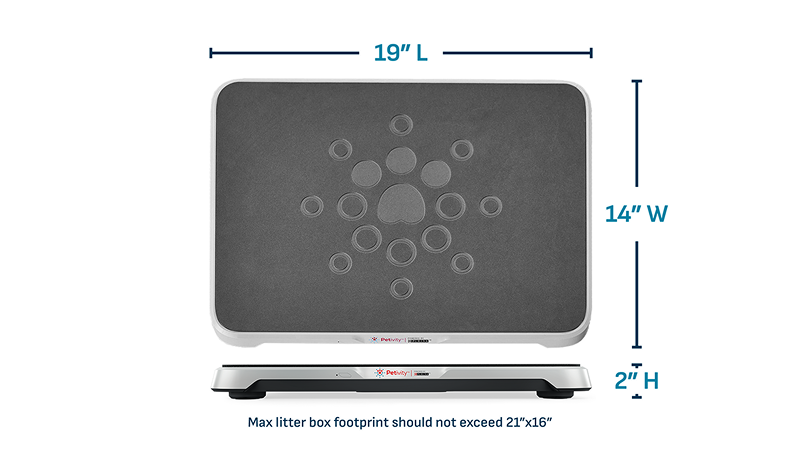
The Petivity Smart Litter Box Monitor setup goes smoothly when you do a little simple preparation. To start, you'll want to pick a good location, and consider your power source and WiFi strength. And remember the monitor fits rectangular or oval litter boxes up to 21" x 16". Self-cleaning and triangular boxes are incompatible.
- Choose a hard, flat surface with 1" clearance on all sides; avoid long carpet.
- Select batteries over the power cord if your cat chews cords or the outlet is out of reach.
- Keep your Wi-Fi password ready (the monitor uses the 2.4GHz band).
- Download the Petivity app before your monitor arrives.
Find the right spot
Your smart monitor will work best on a flat, hard surface. Most short pile carpets and mats will be just fine, too. To maximize the accuracy of your data, avoid long or shag carpets. Be sure there is 1” of clearance on all sides of the smart monitor.
Think about your power source
Conveniently, your smart monitor can be plugged in or powered by batteries (included). Choosing the right one for you depends on your cat and the placement of your litter box. If your cat is a cord chewer, or if your litter box is far from a wall socket, we recommend using batteries.